Check heart rate
Follow the on-screen guide and keep a simple record of your readings.
A useful health companion
Pulse Mate brings heart-rate checks, personal health records, and quick launcher access into a simple everyday experience.
Android release is being prepared.
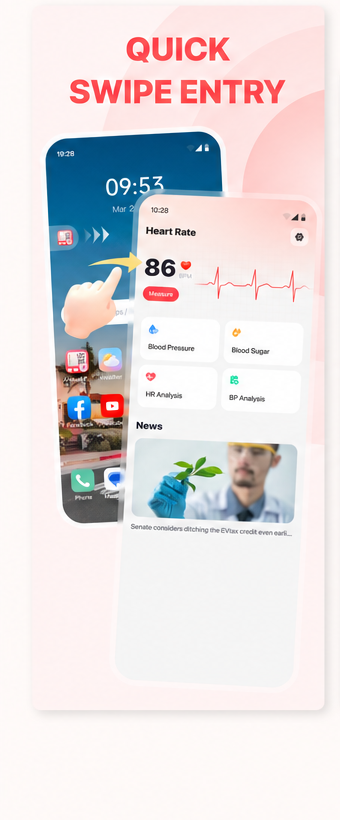
Inside the app
Follow the on-screen guide and keep a simple record of your readings.
See recent entries for heart rate, blood pressure, and blood glucose.
Use launcher shortcuts to reach useful tools without digging through menus.
Pulse Mate is an Android health and launcher companion for users around the world. It keeps practical tools close and presents personal records in a straightforward way.
Pulse Mate supports general wellness awareness and is not a medical device. Readings and records should not replace professional advice or certified medical equipment.
Questions, feedback, or privacy requests?
[email protected]↗Android basics
All your apps are stored in the app drawer — simply swipe up from the home screen to access them. If you want quick access, press and hold any app icon, then drag it to the home screen.
To remove an app shortcut (for example, the Browser), press and hold the icon, then drag it to the "Remove" area at the top of the screen.
Note: This action only removes the shortcut from the home screen, not the actual app.
To uninstall an application, follow these steps: